Audiences Page
Audiences are named Segment Definition combinations. The primary purpose of Audiences is targeting users for a Journey.
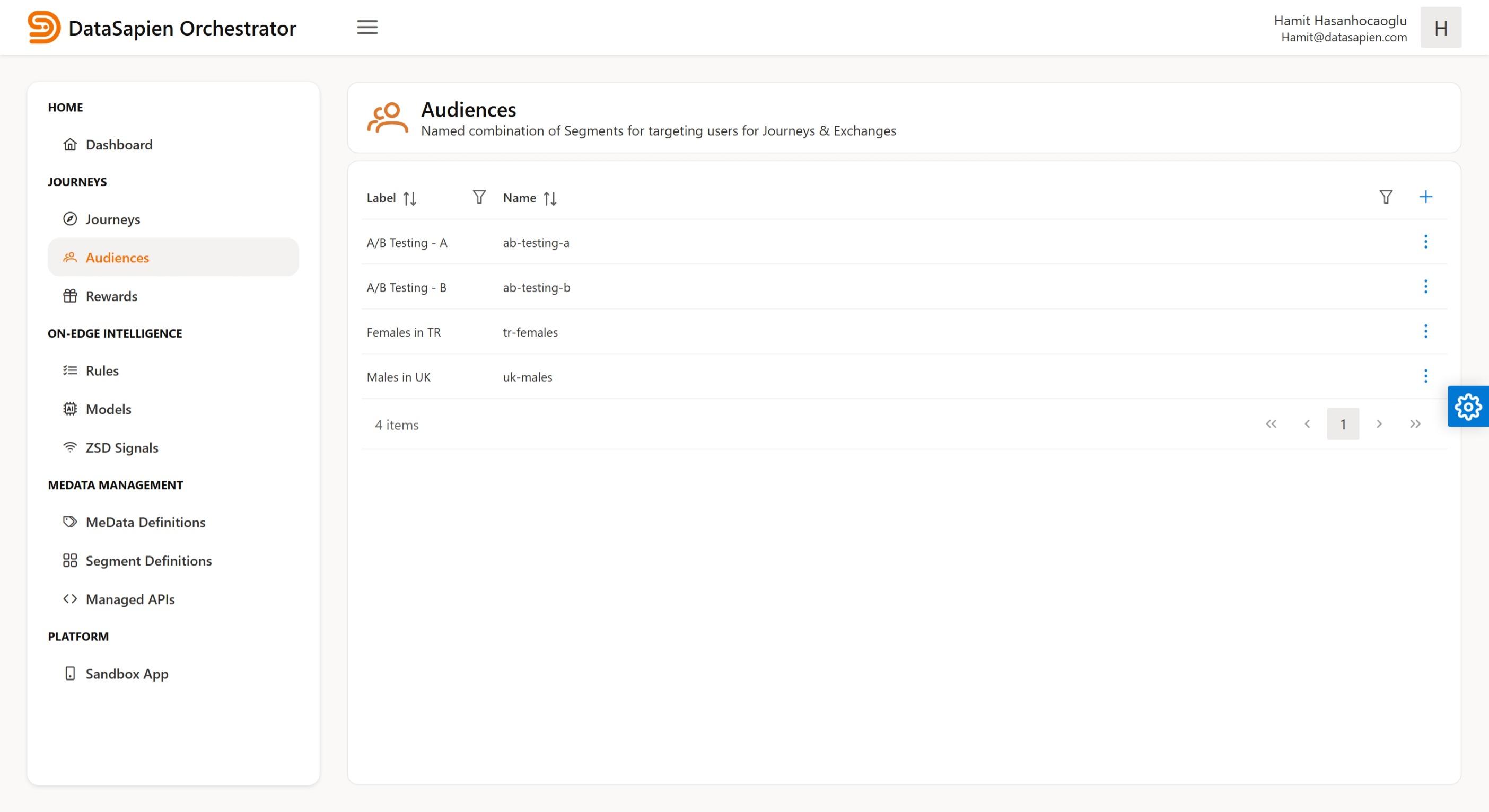
Audiences page
The Auidences page displays Audiences table. On this page you can:
- Create a new Audience by clicking the plus button on the top right corner of the table
- Edit a Audience either by double clicking on it in the table or by clicking 3 dot icon in its row and clicking 'Edit' in the context menu
Audience Editor
The editor lets you create a new or edit an existing MeData Definition. An Audience has following fields:
Programmatic name: a language-independent (programmatic) name to be used within scriptsDisplay name: a human language name for display purposesDescription: an optional descriptionSegments: a logical combination of Segment Definitions constructed from available ones
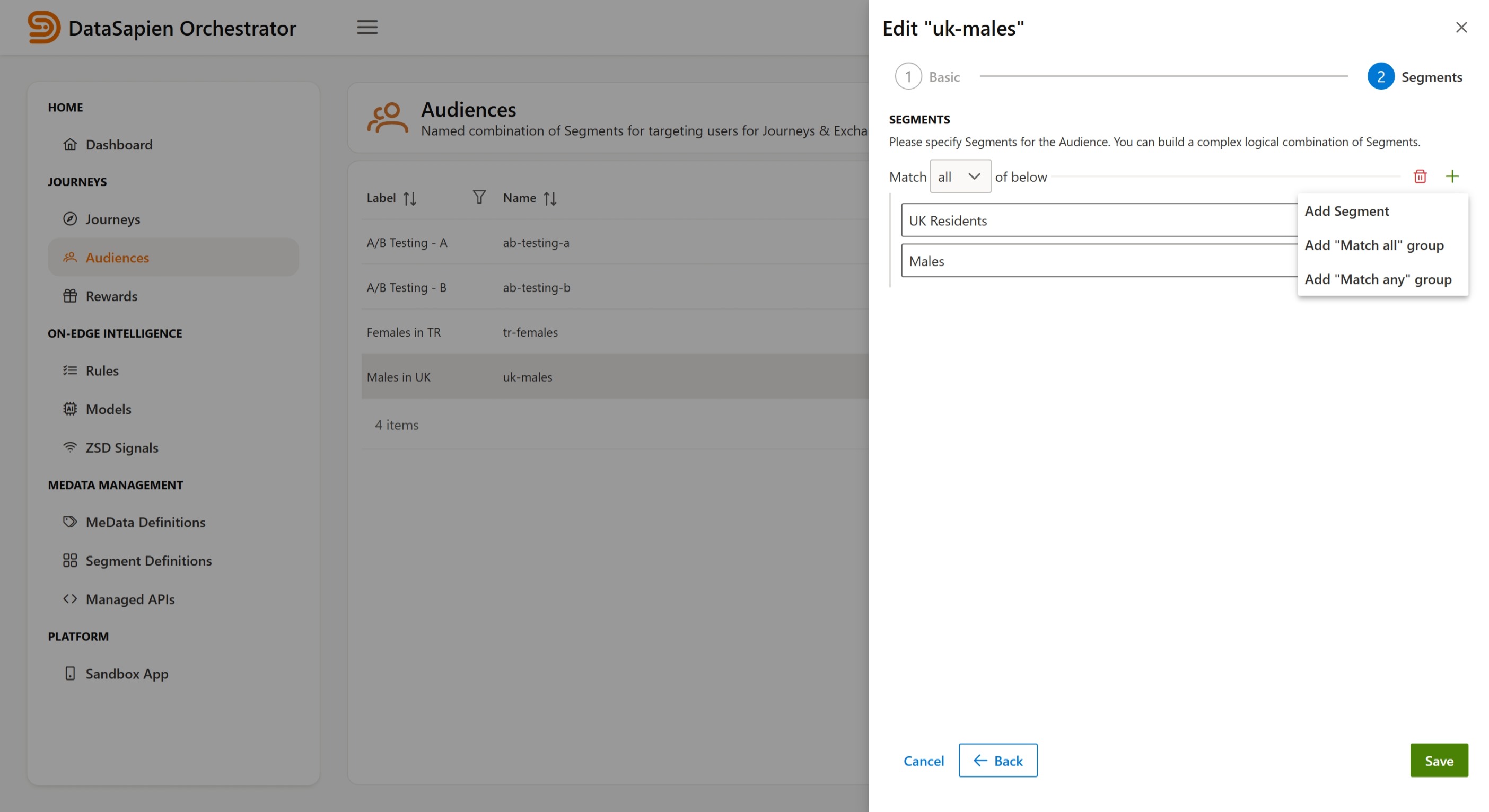
Audience Editor
Audiences can use multi-level nested and complex Segment Definition combinations. For example you could create an Audience named "Female Turkish iOS Owners" with following Segment Definitions:
TR Residents AND Females AND iOS Owners
info
DataSapien can provide consultancy about Audiences. Contact us.