6. Run the Journey in your app
Your host app reaches Journeys through the JourneyService. The recommended path is SDK-provided UI: the SDK renders the Journey's screens itself in a styleable WebView, so your app only needs to fetch the Journey by name and run it.
The two functions you need are:
JourneyService.getJourneys(tags?, statuses?)— list available Journeys, optionally filtered by tag.JourneyService.runJourney(name, data)— run a Journey by its programmatic name.datais an object whose keys are seeded into the JourneyContext before the first step.
- iOS
- Android
- Flutter
- React Native
let journeyService = DataSapien.getJourneyService()

// Either look it up by tag…
let journeys = try await journeyService.getJourneys(tags: ["getting-started"])

// …or just run it directly by programmatic name.
let result = try await journeyService.runJourney(
    name: "hello_world",
    data: [:]
)
val journeyService = DataSapien.getJourneyService()

lifecycleScope.launch {
    // Either look it up by tag…
    val journeys = journeyService.getJourneys(tags = listOf("getting-started"))

    // …or just run it directly by programmatic name.
    val result = journeyService.runJourney(
        name = "hello_world",
        data = emptyMap()
    )
}
final journeyService = DataSapien.getJourneyService();

// Either look it up by tag…
final journeys = await journeyService.getJourneys(tags: ['getting-started']);

// …or just run it directly by programmatic name.
final result = await journeyService.runJourney(
  name: 'hello_world',
  data: {},
);
const journeyService = DataSapien.getJourneyService();

// Either look it up by tag…
const journeys = await journeyService.getJourneys(['getting-started']);

// …or just run it directly by programmatic name.
const result = await journeyService.runJourney('hello_world', {});
A Journey's programmatic name is the unique identifier you set on the Basics section in build the Journey (we used hello_world). It's what every API call refers to — not the display title.
The native API surface is nearly identical to the JavaScript one shown above; Android methods may take an extra Context. See the JourneyService API reference for per-platform signatures.
Build and run your app on a device. Trigger the call above and the SDK will, in order:
- Show the
favorite_colorquestion. - Show the "What's your name?" question.
- Run the Script step silently to build
greeting. - Show the Screen displaying
Hello, <name>! Your favourite colour is <colour>. - Complete.
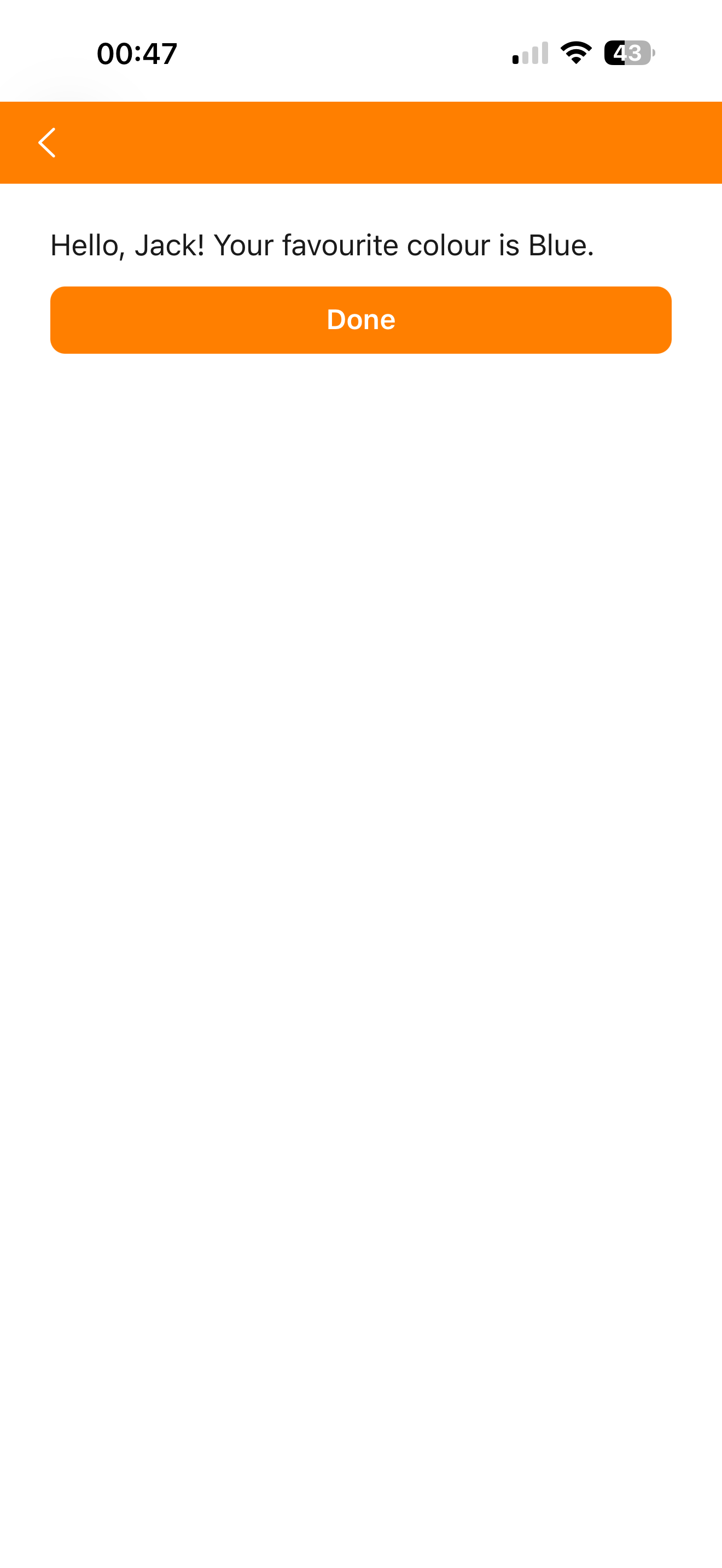
[#10] The Hello World Journey running on a device
What just happened
In a single Journey you used four of the five step types, defined a custom MeData, persisted a value to the on-device data vault, and ran user-authored logic — all without sending any personal data to a backend. That's the whole platform in miniature.
Next steps
- Request the collected
favorite_coloras Zero-Party Data and watch it appear in the Journey Viewer after a run. - Add a Conditional Flow that branches on the colour the user picked.
- Replace the static greeting with one generated by an on-device AI model called from the Script step.
- Restrict the Journey to a real Audience instead of All.