AI and ML Models Page
The DataSapien platform is an enabler of on-edge machine learning and artificial intelligence use cases. The Orchestrator is a delivery channel for public and private models. The Mobile SDK downloads models provisioned on the Orchestrator upon request via IntelligenceService.
The Models page displays:
- AI Models tab
- ML Models tab
AI Models
AI (GenAI) models are generative models aimed at working in a wide range of fields. On AI Models tab you can:
- Create an AI Model by clicking the plus button on the top right corner of the view
- Edit an AI Model by clicking on it in the view
AI Model Editor
The editor lets you create a new or edit an existing AI Model. An AI Model has following fields:
Vendor: name of the Vendor who created / published the modelProgrammatic name: a language-independent (programmatic) name to be used by native code or scripts via IntelligenceServiceDisplay name: human language name for display purposesDescription: an optional descriptionDownload URL: URL from which Mobile SDK will download the modelMultimodal: whether model is multimodal, capable of processing image in addition to text, if so you must specify multimodal projection model download urlMultimodal projection model Download URL: URL from which Mobile SDK will download the multimodal projection model
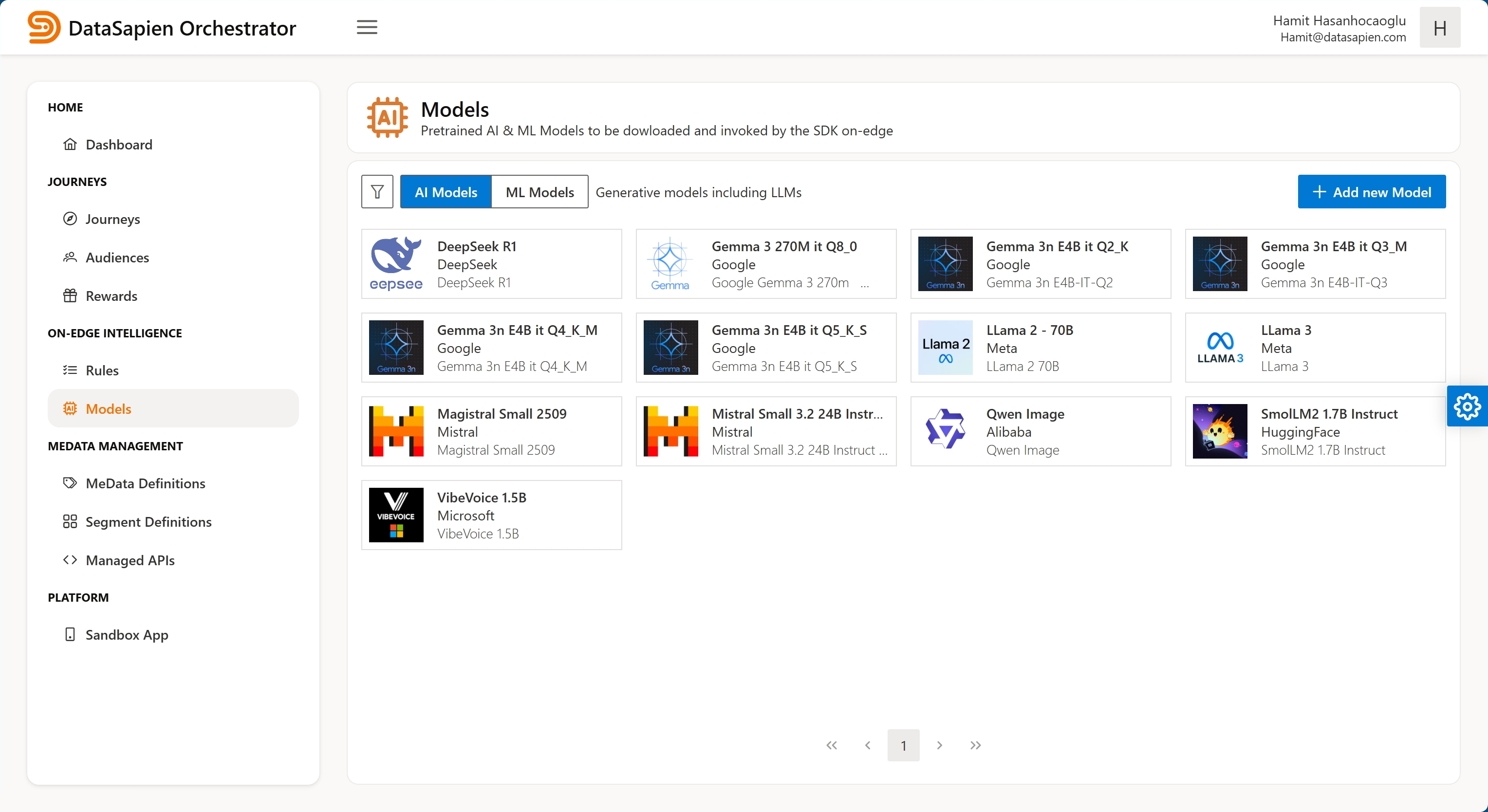
AI Models
ML Models
ML models are conventional probabilistic models aimed to work in a specific field. On ML Models tab you can:
- Create an ML Model by clicking the plus button on the top right corner of the view
- Edit an ML Model by clicking on it in the view
ML Model Editor
The editor lets you create a new or edit an existing ML Model. An ML Model has following fields:
Vendor: name of the Vendor who created / published the modelProgrammatic name: a language-independent (programmatic) name to be used by native code or scripts via IntelligenceServiceDisplay name: human language name for display purposesDescription: an optional descriptionDownload URL: URL from which Mobile SDK will download the model
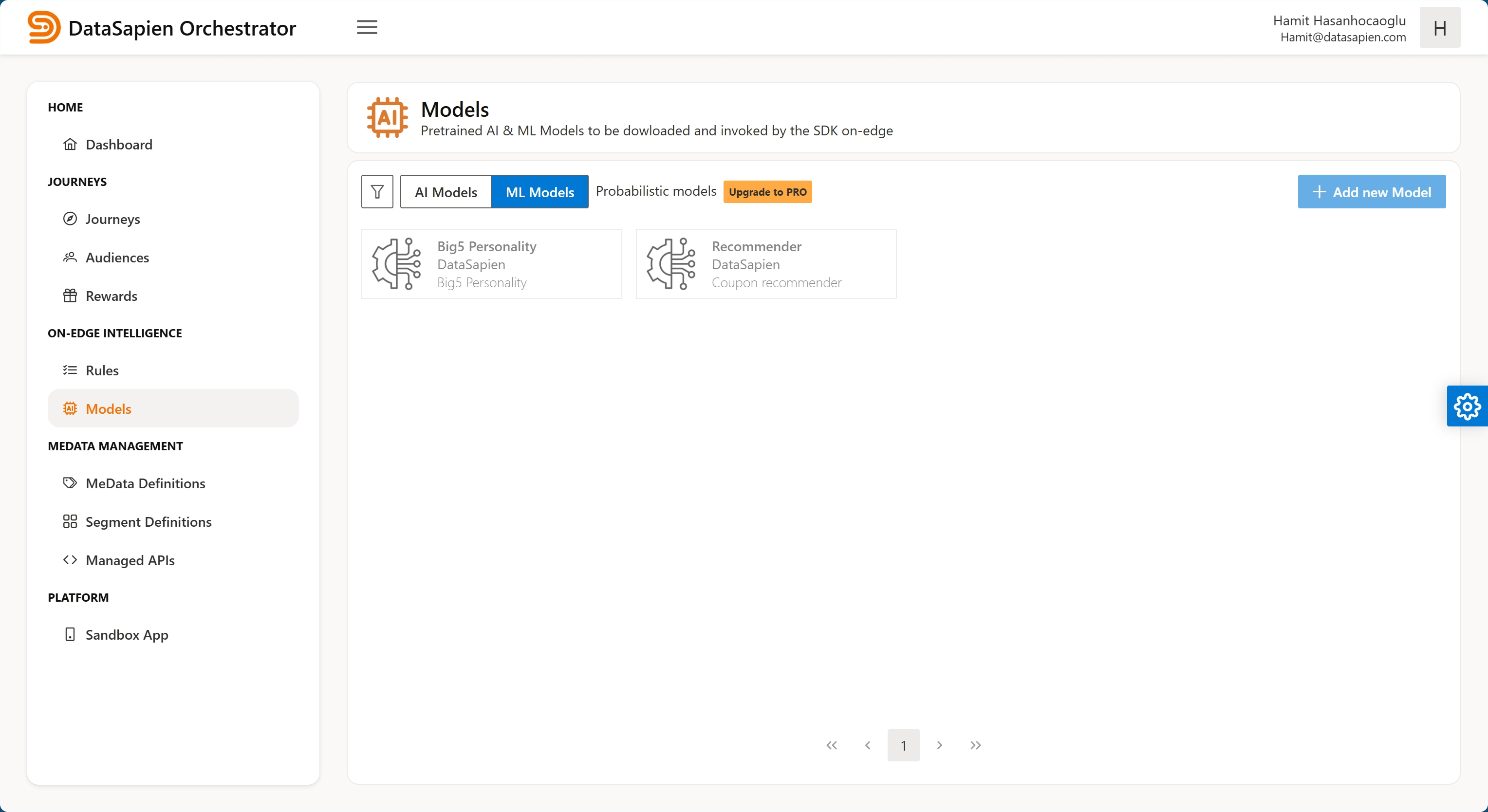
ML Models